


1
Available
The default for an active player when no exception has been recorded.
Cricket player availability
ClubHub keeps player availability with the selection information your club already uses. Clubs can also turn on the Player & Family Portal so approved players and families can update availability themselves, share playing preferences and see team information the club deliberately releases.
Less weekly administration
ClubHub does not require every active player to press an “available” button every week. If no exception is recorded, the player is available by default. The club records what selectors actually need to know when something changes.
The default for an active player when no exception has been recorded.
Available with a restriction, such as batting only or no bowling.
Not yet a definite yes or no, so selectors can see uncertainty before finalising.
Clearly out for the relevant week, fixture or recorded period.
One source of truth
The problem is not usually that clubs have no availability information. It is that the information arrives in different places, at different times, to different people.
Record it once
Availability can be recorded for the immediate week or across a date range. A period automatically applies to fixtures that fall inside it, so a planned holiday does not need to be re-entered round after round.
Record a quick change for the current week without disturbing other availability periods.
Record holidays, injury, work, study or another period once. It then applies to every fixture in that range, including future rounds.
The effective status sits with the player information selectors use while they build the team.
Availability where it matters
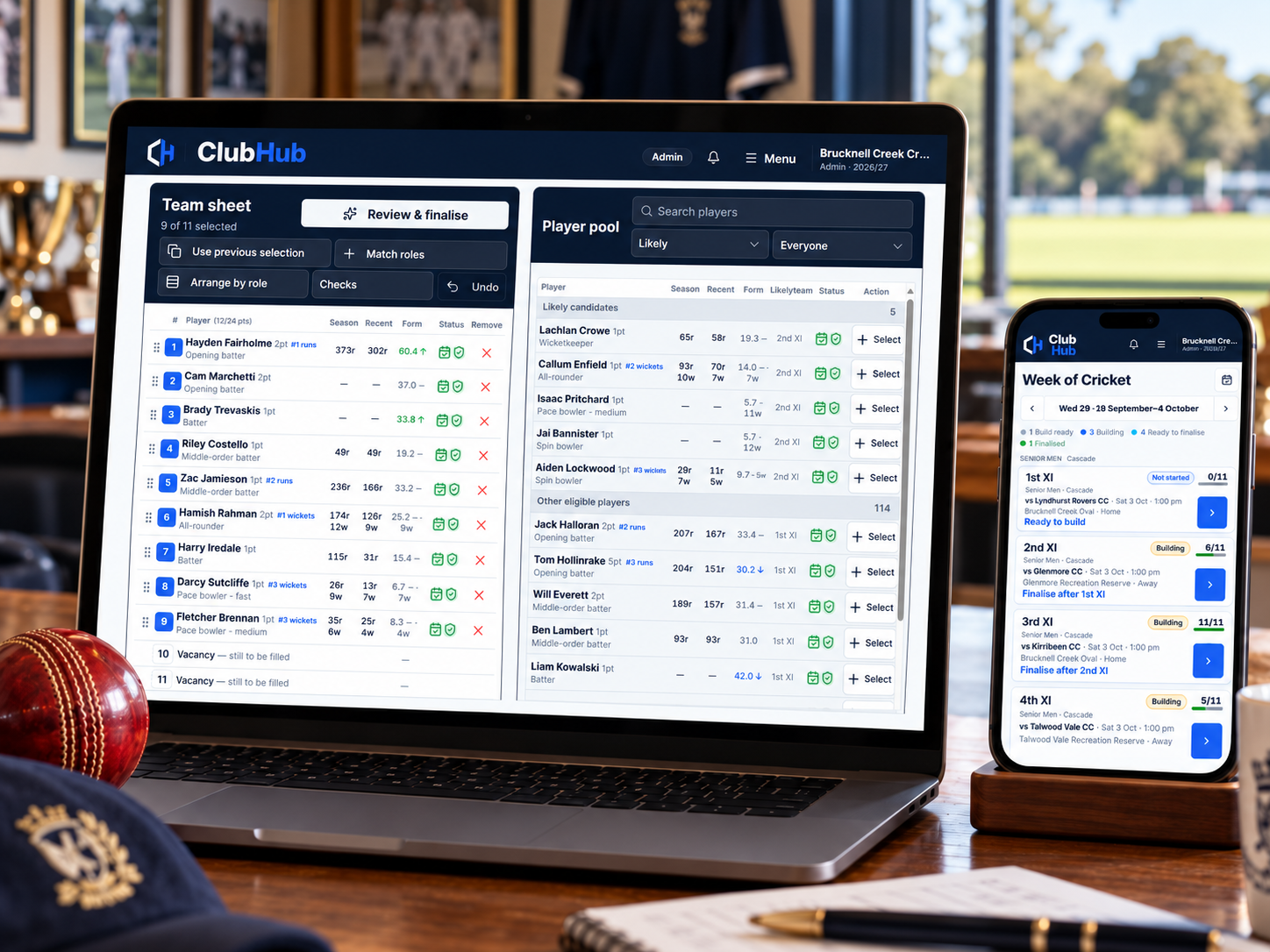
Availability is not a separate spreadsheet that selectors have to remember to check. It contributes to the current player picture inside ClubHub, alongside the other information used during selection.
When availability changes, selectors can work from the updated status instead of relying on somebody to pass the message on.
ClubHub Player & Family Portal
The ClubHub Player & Family Portal is a core module that each club can turn on when it is ready. Approved players, parents, guardians and family members use the portal without becoming selectors or club staff.
Record this week or future date ranges from a phone. If nothing changes, active players remain available by default.
Families can record soft preferences such as playing together, team or grade preferences and movement preferences. They inform selection but never make a player unavailable or ineligible.
Finalising a team does not publish it. Selectors separately choose when to release match details, the team list and optional batting or bowling information to authorised people.
A Club Admin turns the Player & Family Portal on or off for the whole club. Turning it off pauses participant access without deleting existing family links, availability, preferences or release history. Clubs can keep using ClubHub selection without enabling the module.
Common questions
No. Active players are available by default when no exception has been recorded. That keeps the weekly workload focused on changes rather than making every player repeat the same confirmation.
Yes. A date-range period can cover holidays, injury, work, study or another reason, and applies to fixtures that fall within that range.
Yes. ClubHub includes a Limited status with room to record useful detail, as well as In doubt and Unavailable.
Yes, when the club has turned on the Player & Family Portal. Approved players and families can update availability in the portal, while selectors continue to work from the same shared availability picture inside ClubHub.
Learn more
Choose the part of the weekly cricket workflow you want to understand next.
From availability to selection
Availability is one part of the week. ClubHub connects it with team selection, relevant checks, finalisation and match planning.